


Start, stop and restart your server
Use the panel’s power buttons and know when to restart.
The three buttons under the server name, at the top of the left-hand menu, control its power.
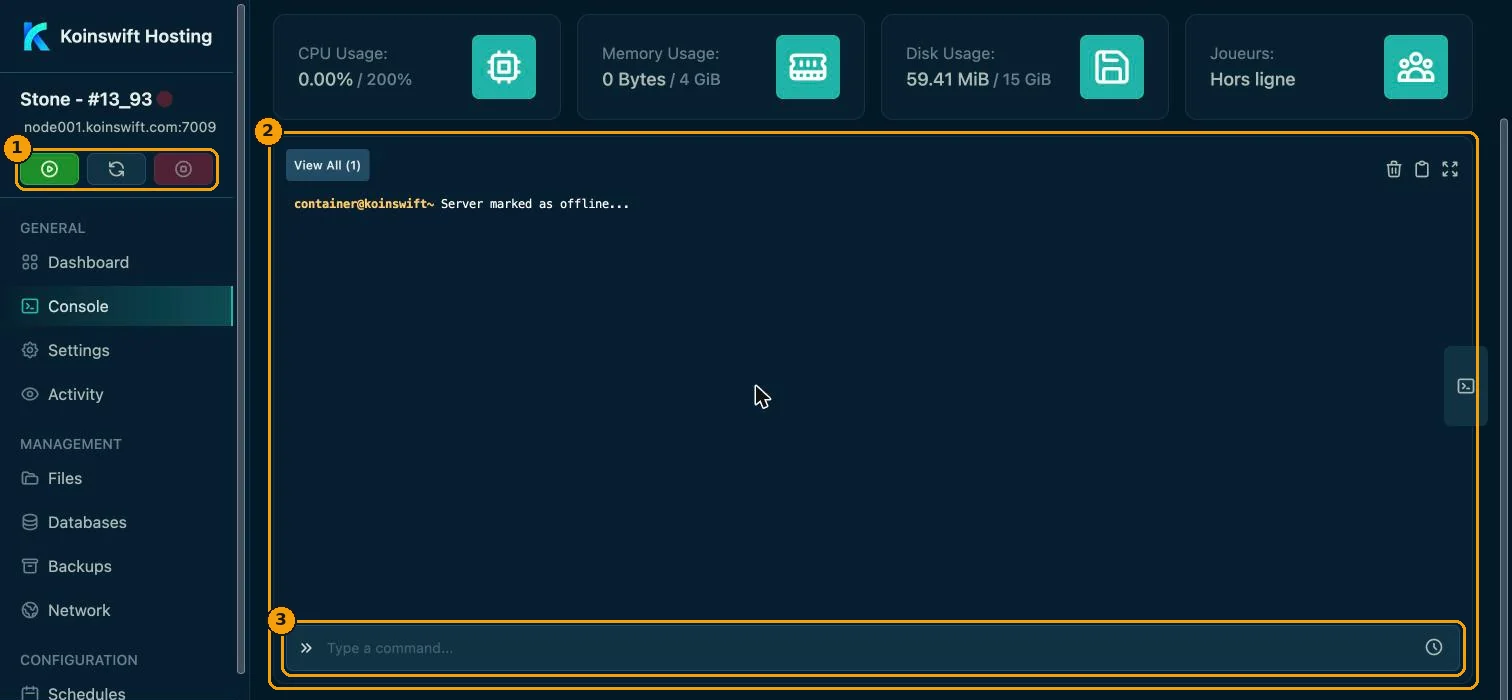
| Button | Effect |
|---|---|
| Green (play) | Start the server. |
| Grey (arrows) | Restart: clean stop, then start. |
| Red (stop) | Stop: the game saves the world, then shuts down. |
The dot next to the name shows the state: green when the server is online, red when it is stopped.
When should you restart?
- after adding or removing a plugin or mod;
- after editing a configuration file (most games only read their configuration at startup);
- after changing the version or a variable in Startup.
The server will not stop?
If the server stays stuck while stopping, use Force stop on the service page in the client area. This immediate cut-off does not save the game: only use it as a last resort.
Need a hand?
The Koinswift team answers 7 days a week, by ticket from your client area or on Discord.