


Manage your server’s ports (allocations)
Understand the Network page: primary port, extra ports and notes.
An allocation is an address + port pair assigned to your server. The Network page lists them.
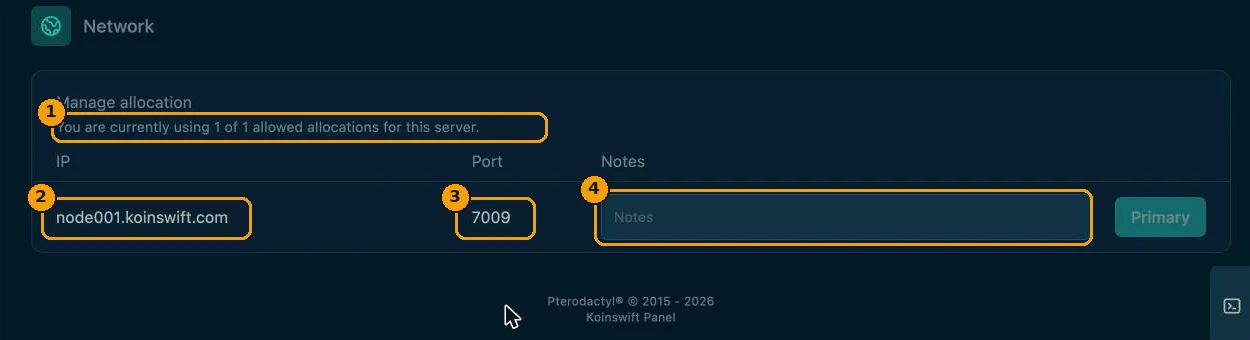
- The allocation marked Primary is the game’s: it is the address your players use.
- The counter at the top shows how many allocations your plan allows (for example “1 of 1”).
- The Notes field lets you say what each port is for (for example “web map” or “Geyser”).
Need extra ports?
Some uses need an extra port: a second protocol (Geyser for Bedrock), a web map, an admin tool (txAdmin for FiveM), a query port… The number of ports depends on the plan; the custom plan lets you choose up to 4.
The free plans (FreeBox) only include the ports the game needs (just one in most cases, 2 for Satisfactory and Rust, 4 for 7 Days to Die) and do not allow more to be added. To get more, move to a paid plan.
Need a hand?
The Koinswift team answers 7 days a week, by ticket from your client area or on Discord.