


Reinstall your server
Run the game installation again to apply a new version or start from a clean base.
Reinstalling stops the server and then runs the installation script that originally set it up again. It is used to apply a version change or to repair damaged game files.
During reinstallation, some files may be deleted or modified. Make a backup first.
- Create a backup
Backups menu → Create Backup, and wait until it has finished.
- Open Settings
Reinstall Server block.
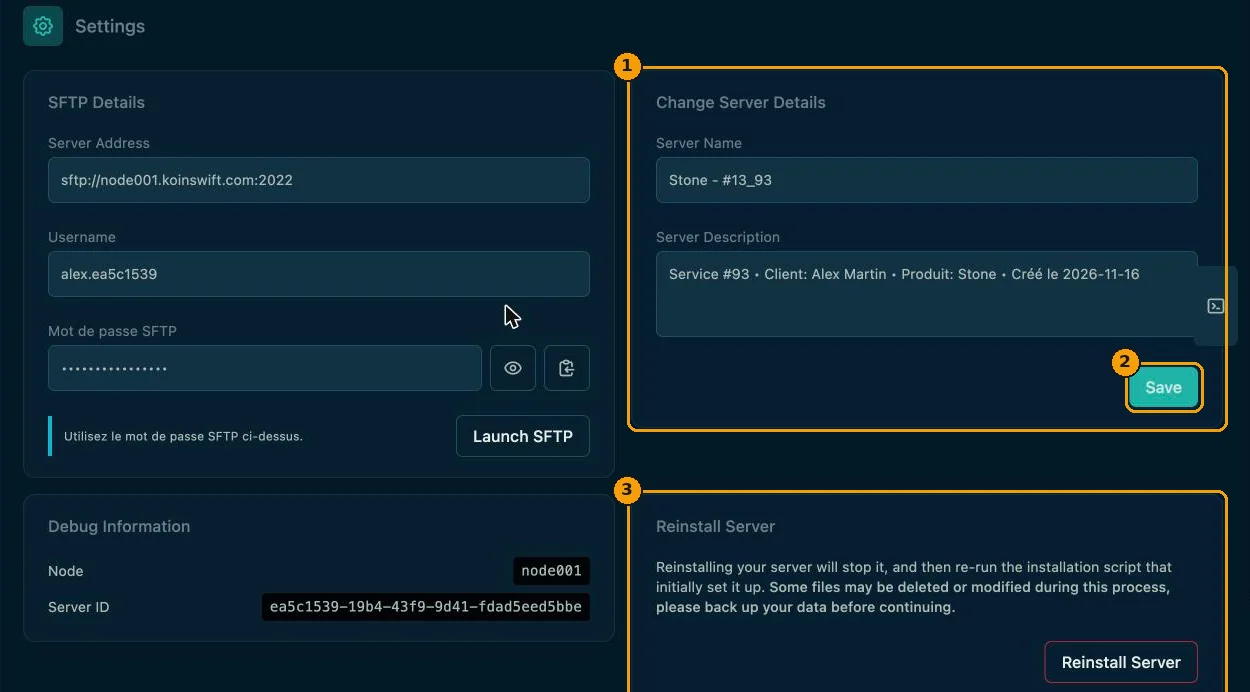
The reinstallation block (3). - Start the reinstallation
Click Reinstall Server and confirm.
- Wait
Follow the progress in the console. The server is ready when the installation has finished.
- Start and check
Check that your world and settings are still there. If not, restore the backup.
Need a hand?
The Koinswift team answers 7 days a week, by ticket from your client area or on Discord.